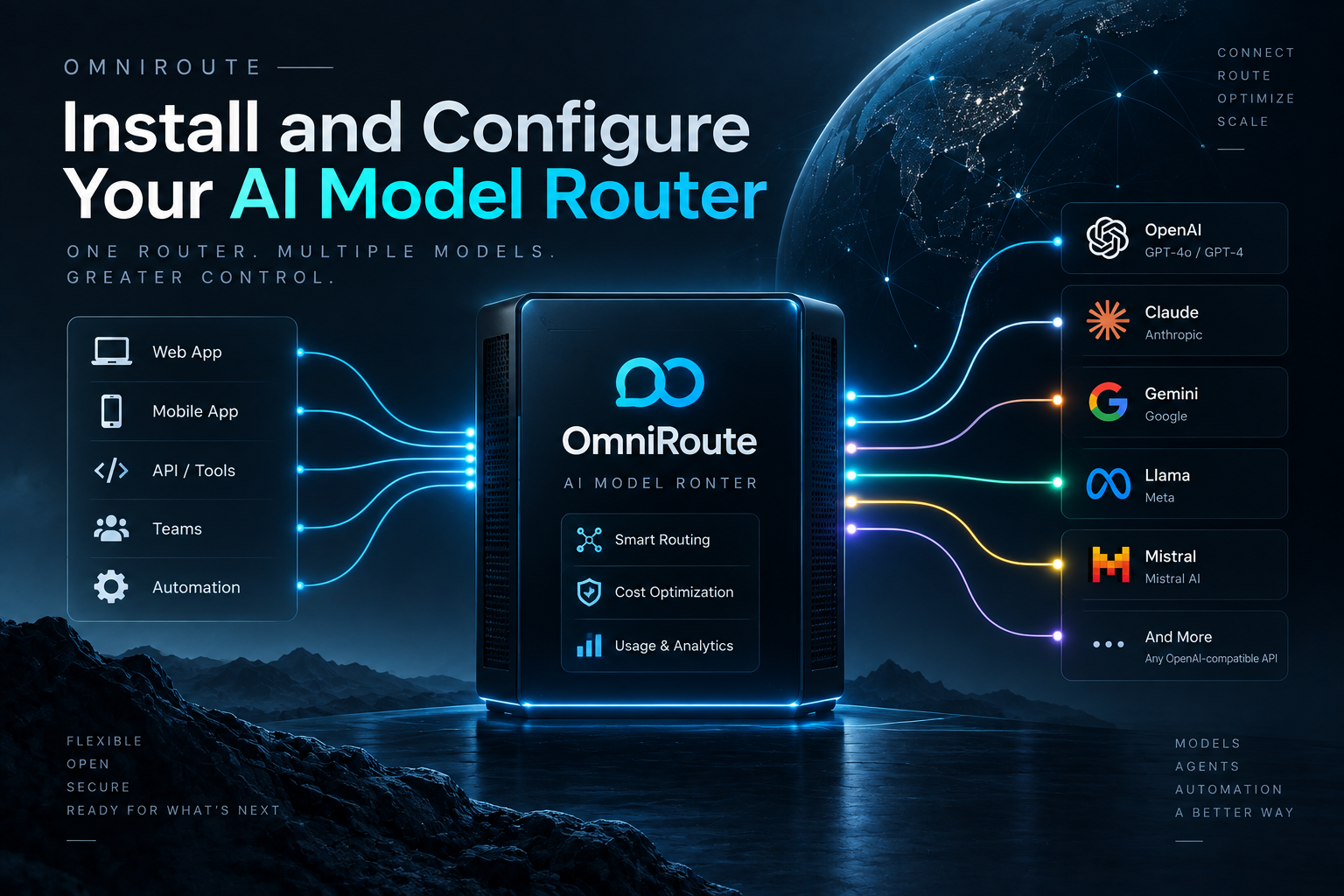
What is OmniRoute?
OmniRoute is a free, open-source AI API gateway that routes your LLM requests across 352+ providers through a single OpenAI-compatible endpoint. It provides automatic fallback, smart routing, and quota management — so you never hit rate limits and never stop building.
Think of it as a traffic controller for AI models. Instead of managing API keys for OpenAI, Anthropic, Gemini, Groq, and dozens of other providers, you point everything at one local endpoint and OmniRoute handles the rest.
Why Use OmniRoute?
If you're using multiple AI coding tools — Claude Code, Cursor, Codex, Cline, or OpenCode — you've probably hit rate limits, quota exhaustion, or had to juggle multiple API keys. OmniRoute solves this with:
- Auto-fallback: When one provider hits its quota, OmniRoute switches to the next provider in milliseconds.
- Token compression: RTK + Caveman compression cuts 15–95% of tokens on tool-heavy sessions.
- 352 providers: 150+ free tiers, 53 free forever (Qoder, Pollinations, Cloudflare, and more).
- One endpoint: OpenAI ↔ Claude ↔ Gemini API translation through
/v1.
Installation
Install OmniRoute globally with npm:
npm install -g omnirouteThen start it:
omnirouteThe API and dashboard come up together on port 20128:
▸ dashboard ✓ http://localhost:20128/dashboard
▸ api ...... ✓ serving on :20128
Connect a Provider
Open the dashboard at http://localhost:20128/dashboard and connect at least one model provider. OmniRoute supports OAuth sign-in for providers like Claude Code, Codex, Cursor, and Gemini CLI — no paid API key needed for many of them.
Point Your IDE
Set your tool's base URL to http://localhost:20128/v1 and use the dashboard key. For example, with Claude Code:
ANTHROPIC_BASE_URL=http://localhost:20128/v1Every model is now one endpoint away. Set your model to auto and OmniRoute picks the best available model based on quota, cost, and latency.
Docker Deployment
For server deployment, use Docker:
docker volume create omniroute-data

docker run -d \
  --name omniroute \
  --restart unless-stopped \
  --stop-timeout 40 \
  -p 127.0.0.1:20128:20128 \
  -v omniroute-data:/app/data \
  diegosouzapw/omniroute:latest
Then set up a reverse proxy (Caddy or Nginx) to expose it over HTTPS.
Key Features
- Smart Combos: 19 routing strategies with tier-1/2/3 fallback.
- MCP Support: 110+ tools through MCP protocol.
- Circuit Breakers: Automatic failover when providers degrade.
- Token Compression: RTK + Caveman for 15–95% savings.
- Dashboard: Real-time monitoring of providers, quotas, and usage.
Supported Platforms
OmniRoute runs on npm, Docker, Desktop (Electron), ARM (Raspberry Pi), Termux (Android), PWA, and as an OpenCode plugin or VS Code extension.
Conclusion
OmniRoute is the easiest way to manage multiple AI providers without hitting limits. Three commands to install, zero config to start, and a dashboard to monitor everything. If you're building with AI tools daily, this is worth setting up.
GitHub: github.com/diegosouzapw/OmniRoute
Website: omniroute.online