From Development to Production
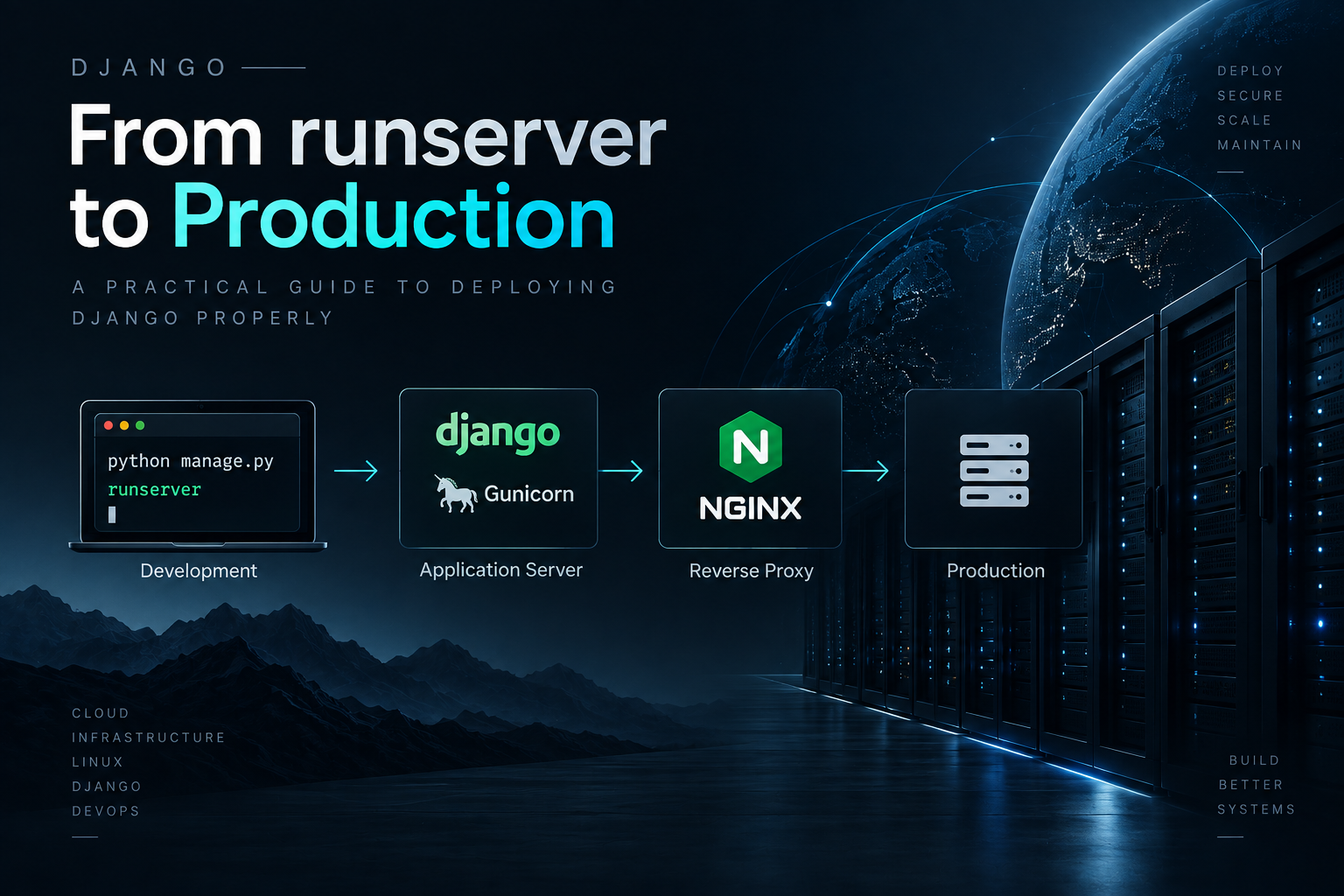
When you're building a Django application, python manage.py runserver is your best friend during development. But the moment you need to go live, that same command becomes your biggest risk. The Django development server is single-threaded, has no process management, and explicitly warns you not to use it in production.
This guide walks you through replacing runserver with a production-grade stack: Gunicorn, Nginx, PostgreSQL, and WhiteNoise.
The Production Stack
Django production deployment has three standard layers:
- Gunicorn — WSGI application server that runs Django across multiple worker processes.
- Nginx — Reverse proxy that handles TLS, serves static files, and buffers slow clients.
- PostgreSQL — Production database replacing SQLite.
Step 1: Production Settings
Create a separate settings file for production. Here's what you need:
DEBUG = False
SECRET_KEY = os.environ["SECRET_KEY"]
ALLOWED_HOSTS = ["yourdomain.com", "www.yourdomain.com"]

# Database
DATABASES = {
    "default": {
        "ENGINE": "django.db.backends.postgresql",
        "NAME": os.environ.get("DB_NAME", "modernblog"),
        "USER": os.environ.get("DB_USER"),
        "PASSWORD": os.environ.get("DB_PASSWORD"),
        "HOST": os.environ.get("DB_HOST", "localhost"),
        "PORT": os.environ.get("DB_PORT", "5432"),
    }
}

# Security
SECURE_SSL_REDIRECT = True
SESSION_COOKIE_SECURE = True
CSRF_COOKIE_SECURE = True
SECURE_HSTS_SECONDS = 31536000
SECURE_HSTS_INCLUDE_SUBDOMAINS = True
SECURE_HSTS_PRELOAD = True
SECURE_CONTENT_TYPE_NOSNIFF = True
SECURE_REFERRER_POLICY = "strict-origin-when-cross-origin"
X_FRAME_OPTIONS = "DENY"
Step 2: Install Gunicorn
pip install gunicornTest it locally:
gunicorn config.wsgi:application --bind 127.0.0.1:8000 --workers 3Step 3: Serve Static Files with WhiteNoise
WhiteNoise serves static files directly from Gunicorn with aggressive caching. No extra infrastructure needed.
pip install whitenoiseAdd to your middleware and settings:
MIDDLEWARE = [
    "django.middleware.security.SecurityMiddleware",
    "whitenoise.middleware.WhiteNoiseMiddleware",
    # ... other middleware
]

STATICFILES_STORAGE = "whitenoise.storage.CompressedManifestStaticFilesStorage"
Collect static files:
python manage.py collectstatic --no-inputStep 4: Configure Nginx
server {
    listen 443 ssl http2;
    server_name yourdomain.com;

    ssl_certificate /etc/letsencrypt/live/yourdomain.com/fullchain.pem;
    ssl_certificate_key /etc/letsencrypt/live/yourdomain.com/privkey.pem;

    location /static/ {
        alias /opt/www/staticfiles/;
        expires 30d;
        add_header Cache-Control "public, immutable";
    }

    location / {
        proxy_pass http://127.0.0.1:8000;
        proxy_set_header Host $host;
        proxy_set_header X-Real-IP $remote_addr;
        proxy_set_header X-Forwarded-For $proxy_add_x_forwarded_for;
        proxy_set_header X-Forwarded-Proto $scheme;
    }
}
Step 5: Systemd Service
Create /etc/systemd/system/gunicorn.service:
[Unit]
Description=Gunicorn daemon for Django
After=network.target

[Service]
User=www-data
Group=www-data
WorkingDirectory=/opt/www
ExecStart=/opt/www/.venv/bin/gunicorn config.wsgi:application     --bind 127.0.0.1:8000     --workers 3     --access-logfile /var/log/gunicorn/access.log     --error-logfile /var/log/gunicorn/error.log

[Install]
WantedBy=multi-user.target
Start the services:
sudo systemctl daemon-reload
sudo systemctl enable gunicorn
sudo systemctl start gunicorn
sudo systemctl restart nginx
Step 6: Run Migrations
Always run migrations before reloading Gunicorn — never after:
python manage.py migrate --no-inputDeployment Checklist
# Before every production deployment:
python manage.py check --deploy
python manage.py migrate --plan
python manage.py test --no-input
python manage.py collectstatic --no-input
sudo systemctl reload gunicorn
Why Not Just Use runserver?
| Feature | runserver | Gunicorn + Nginx |
|---|---|---|
| Thread safety | Single-threaded | Multi-worker |
| Static files | Uncompressed | Compressed + cached |
| Security audits | None | Production-hardened |
| Process management | None | Systemd auto-restart |
| SSL/TLS | No | Yes (via Nginx) |
| Zero-downtime reload | No | Yes (systemctl reload) |
Conclusion
Moving from manage.py runserver to a Gunicorn + Nginx + PostgreSQL stack is the single most important step in Django deployment. It gives you security, performance, and reliability. The setup takes about 30 minutes, and the peace of mind is worth every second.